Introduction
In the modern data-driven landscape, ensuring the security and integrity of
your database systems is crucial. A Teradata Audit Trail plays a vital role in
monitoring and tracking database activities, helping organizations maintain
compliance with regulatory standards and detect potential security threats.
Teradata, a leading data warehousing solution, offers robust native auditing
capabilities. However, to achieve a more comprehensive and flexible audit
framework, integrating advanced solutions like DataSunrise can significantly enhance your database security strategy.
Native Teradata Audit Trail
Teradata’s native auditing features provide detailed insights into database
activities, helping organizations enforce security policies and meet
compliance requirements. The Database Auditing Facility (DBAF) in Teradata
logs various activities, allowing database administrators (DBAs) to monitor
user actions, track changes, and identify unauthorized access attempts.
Additionally, these logs can be used to generate reports that are essential
for regulatory compliance.
Setting Up Audit Rules
Teradata uses the BEGIN LOGGING statement to create logging
rules, which are stored in the DBC.AccLogRuleTbl table. These
rules determine which privilege checks generate log entries in the DBC.AccLogTbl table. Below are some examples of setting up audit
rules:
1. Logging Specific Actions on a Database
To log specific actions like CREATE, DROP, and ALTER on a database, you can use the following command:
BEGIN LOGGING ON EACH CREATE, DROP, ALTER ON DATABASE database_name; This query ensures that every CREATE, DROP, and ALTER operation on the specified database is logged. Moreover,
this level of detail helps in pinpointing exactly when and where changes
occur.
2. Logging All Actions by a Specific User
To log all actions performed by a specific user, you can use the following
command:
BEGIN LOGGING ON EACH ALL BY "username"; This command logs every action performed by the specified user, providing a
comprehensive audit trail of their activities. Furthermore, it helps in
identifying any unusual behavior or potential security breaches.
Querying Audit Logs
Teradata stores audit logs in the DBC.AccLogTbl table. You can
query this table to retrieve audit logs based on specific criteria. For
example, to retrieve all log entries for a specific table:
SELECT * FROM DBC.AccLogTbl WHERE ObjectName = 'table_name'; This query fetches all log entries for the specified table, allowing you to
monitor access to sensitive data. Additionally, it helps in generating
compliance reports and conducting forensic analysis.
Example DBC.AccLogTbl Ouput
Here’s an example of what the output might look like:
| LogonUser | ObjectName | AccessResult | AccessTime | SQLText |
|---|---|---|---|---|
| user1 | table1 | Granted | 2023-10-01 10:00:00 | SELECT * FROM table1 |
| user2 | table1 | Denied | 2023-10-01 10:05:00 | INSERT INTO table1 VALUES (…) |
Verifying Audit Rules
After setting up audit rules, you can verify them by querying the DBC.AccLogRulesV view:
SELECT * FROM DBC.AccLogRulesV; This query displays all active logging rules, allowing you to ensure that the
rules are correctly configured. Moreover, it helps in maintaining an
up-to-date audit policy that aligns with your security requirements.
For more detailed information on setting up and managing audit rules in
Teradata, you can refer to the official Teradata documentation.
Teradata Audit Trail with DataSunrise
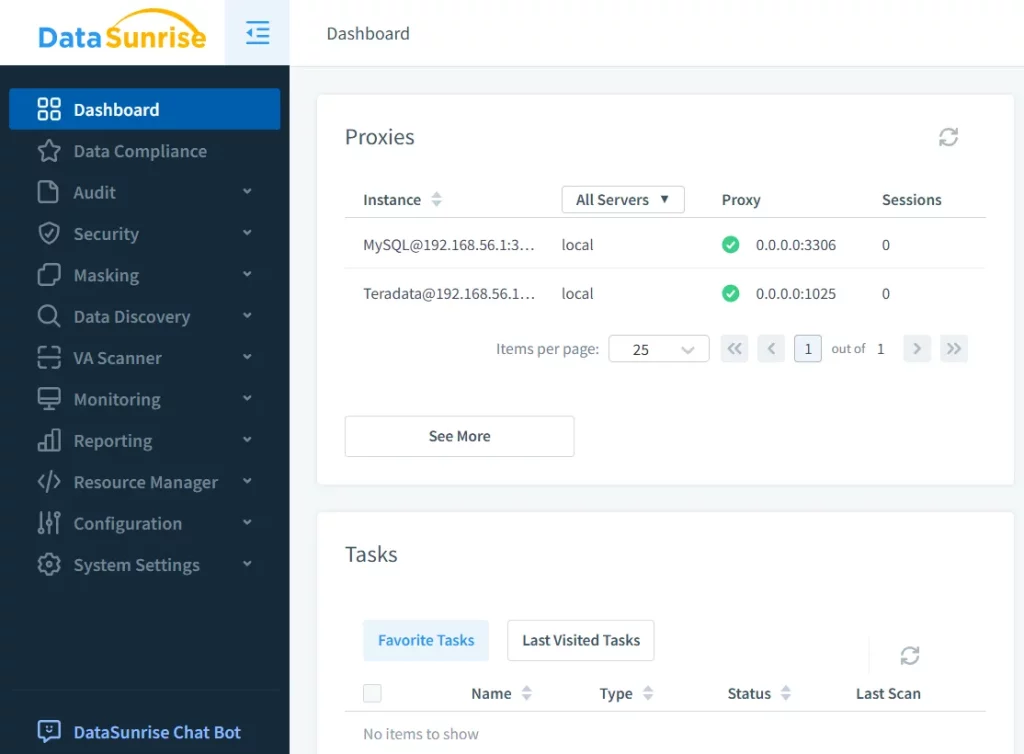
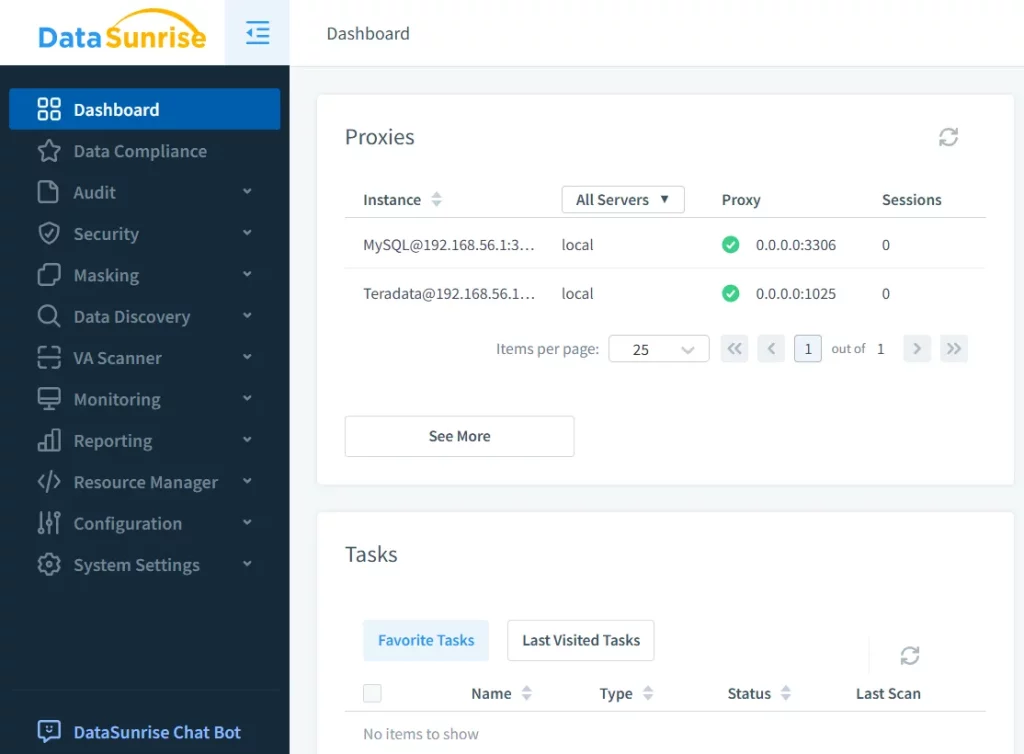
While Teradata’s native auditing capabilities are robust, integrating DataSunrise can provide additional layers of security and flexibility. DataSunrise is a
comprehensive database security solution that enhances auditing, monitoring,
and data masking capabilities across various database environments.
Key Features of DataSunrise for Teradata Audit Trail
1. Real-Time Monitoring:
DataSunrise offers real-time monitoring of database activities, enabling
instant detection of unauthorized access attempts or suspicious activities.
Additionally, it provides detailed insights into user behavior, helping
organizations identify potential security risks.
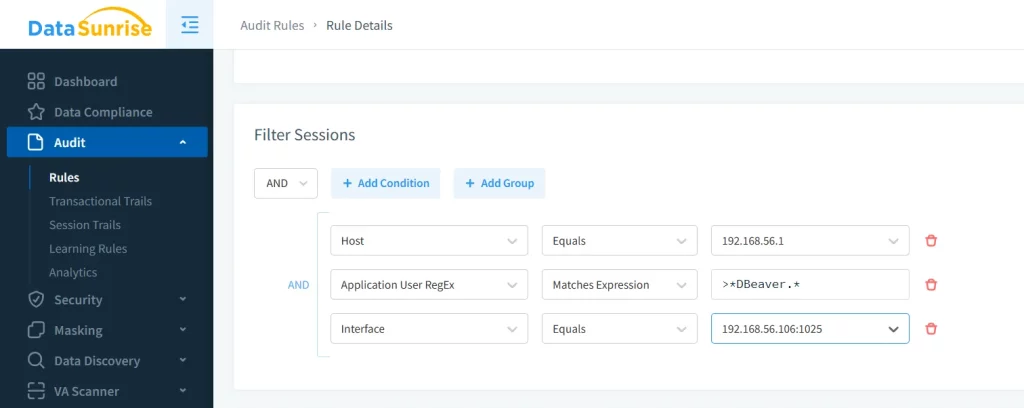
2. Customizable Audit Rules:
With DataSunrise, you can create custom audit rules tailored to your specific
compliance needs, such as GDPR or HIPAA. Furthermore, these rules can be granularly defined to monitor specific
users, tables, or actions.
3. Advanced Reporting:
DataSunrise generates detailed audit logs and visual dashboards, making it
easier to analyze and interpret audit data. Moreover, these reports can be
customized to meet specific regulatory requirements.
Conclusion
Conducting a thorough Teradata Audit Trail is essential for maintaining the
security and compliance of your data. While Teradata offers robust native
auditing features, integrating an advanced solution like DataSunrise can significantly enhance your database security strategy. From real-time
monitoring to advanced reporting and compliance support, DataSunrise addresses
the growing needs of modern businesses. Therefore, it is a valuable addition
to any organization’s data security framework.
If you’re ready to elevate your database auditing capabilities, consider
booking a personal demo or downloading DataSunrise trial today. A comprehensive and robust auditing solution is just a step away from
fortifying your data security strategy.